
Use the Kratos local identity provider
The Identity Platform can be run both in identity broker and identity provider mode. This guide explains how to use the local identity provider or disable it.
The built-in identity provider is enabled by default in Identity Platform. If you wish to disable that feature and allow your users to authenticate with external providers only, run:
juju config kratos enable_local_idp=False
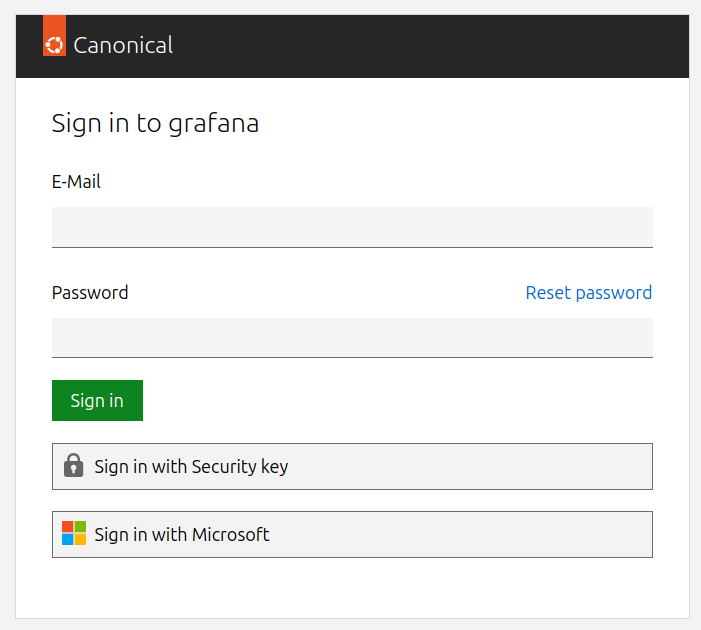
Otherwise, the sign-in screen will offer to log in with the internal identity provider as well as any configured external providers:
Enforce multi-factor authentication
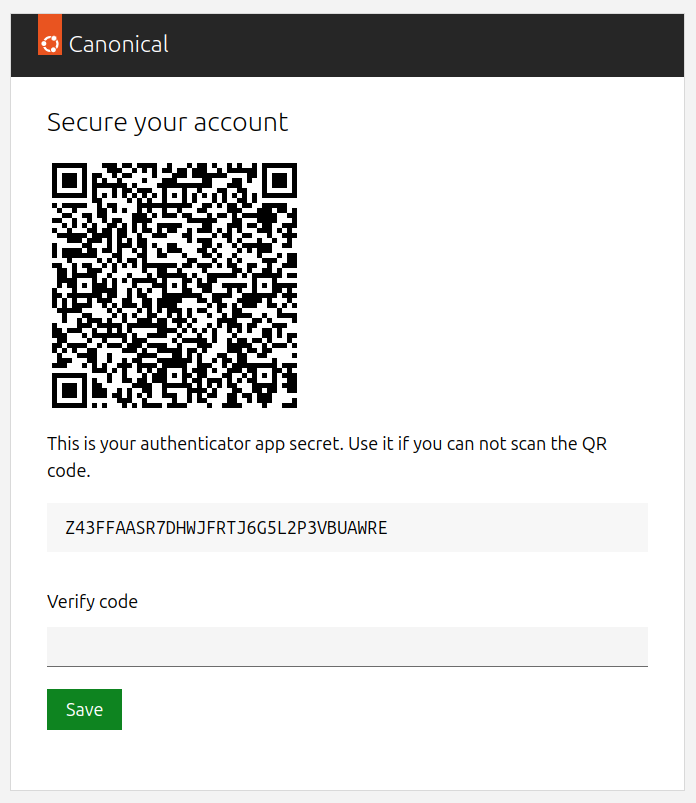
By default, all users created as part of the internal identity provider are required to set up time-based one-time password (TOTP) multi-factor authentication (MFA) by connecting with an authenticator app of their choice (e.g., Google Authenticator) on first logon and continue to use it on subsequent logons.
It is also recommended that each user generates backup codes, so that they can be used as a fallback 2FA method in case the TOTP device is unavailable.
To generate them, navigate to https://<traefik-public-ip>/<model-name>-identity-platform-login-ui-operator/ui/setup_backup_codes:
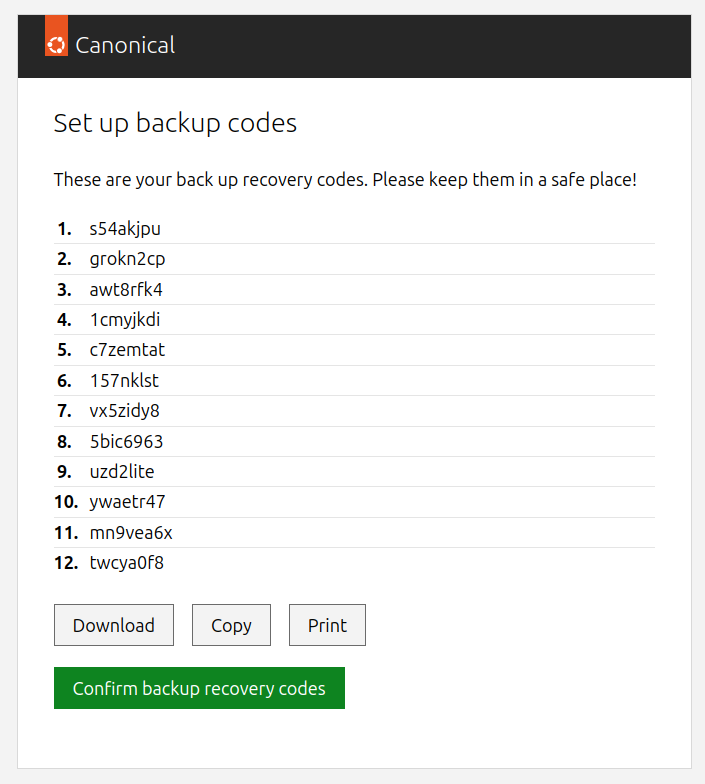
Your users will be reminded to generate a new backup codes set if they’re about to run out of the previous one.
If instead you don’t want to make your users complete multi-factor authentication on each login, you can disable that requirement by running:
juju config kratos enforce_mfa=False
Warning
We only recommend disabling MFA for testing and development purposes.
Enable passwordless authentication
The Identity Platform offers the possibility to sign in using passkeys or security keys rather than with a username and password. This feature is not enabled by default and requires your deployment to meet the WebAuthn criteria, such as a valid certificate and domain name for the Platform. WebAuthn is currently supported in Google Chrome, Mozilla Firefox, Microsoft Edge, and Apple Safari web browsers.
You can enable that feature by running:
juju config kratos enable_passwordless_login_method=True
User management
Please refer to the user management guide to learn how to create, update, or delete users and perform common identity management tasks.